
USFans Spreadsheet Guide: Turn a Shortlist into a Clear Order Plan
A USFans spreadsheet can help you find an item, but finding it and receiving it are different stages. This guide follows the decisions between them: selecting an option, checking the purchase request, reviewing the received item and choosing a parcel arrangement.
USFans' first-time shopping-agent help material describes a two-part payment process: the product and domestic shipping in China first, followed by the international parcel stage. Treat that distinction as part of your planning. A product amount in a spreadsheet is not the final cost of receiving your order, and the current amounts and conditions must be checked in the service before payment.
1. Choose a candidate for a specific purpose
Start with one useful description of what you need. If you are looking for a hoodie to wear under an existing jacket, compare measurements relevant to that combination and consider how the hood sits with the jacket's collar. A product photograph may show the overall style without answering the layering question.
Start with the logo-print hoodie listing on USFans, which describes an oversized fit. Treat that label as a cut description and compare the chosen size's chest, sleeve and body measurements with your layering plan. Save the variant you actually want before preparing a purchase request.
Keep alternatives separate until you decide between them. The best spreadsheet guide helps you evaluate a collection, while the link guide helps confirm that the destination still matches your chosen item.
2. Decide the option before preparing the request
Record the intended colour, size, quantity and included pieces. For a set, check whether the selected amount covers the entire set or one component. For a garment, record the measurement method as well as the number: a flat width and a circumference are not interchangeable.
Consider this hypothetical example. You want one hoodie, but the page shows several colours and a gallery picture with two garments. Your intended request is one piece in a particular colour and size. The photograph is not a reason to change the quantity to two or to assume both garments are included.
Use the size guide before settling the option. If a measurement that affects your choice is unclear, resolve that question before paying rather than expecting later photographs to establish how the garment will fit you.
3. Check what the service has recognised
USFans' shopping-agent material describes purchasing from selected third-party platforms. Do not assume every address you find can be purchased through the service. Inspect the item information returned by the service and any response about purchase availability before proceeding.
A search result is not the same as a confirmed purchase request. Neither is a product page that opens successfully. Check the product reference, selected option, quantity and displayed charges on the actual request you are preparing.
Avoid carrying an old amount into the new request. A saved row can help you find the item again, but the amount shown at the time of the action is the one you need to examine. If it differs, work out whether the product, variant, quantity or charge basis has changed.
4. Separate the purchase payment from the parcel budget
Before confirming payment, read which stage it covers. Keep the displayed item amount, domestic transport amount and other applicable charges distinguishable. Do not label their subtotal as the delivered cost if international shipping has not been determined.
For illustration only, suppose an item is 20 and domestic transport is 3 in the same currency. Those two figures total 23. They do not tell you the international parcel charge. Adding a guessed shipping figure would turn a clear subtotal into a misleading promise.
Use the shipping calculator guide to prepare an estimate with the relevant assumptions. Later, compare that estimate with the actual parcel information and available service conditions. Keep any discount or points offer separate until you have checked whether it applies to the specific stage and request.
If a payment result is unclear, check the order state and your payment record before trying again. A screen that fails to refresh does not by itself establish that the payment failed. Read the payment-failure guide for a focused check, or use customer support with the relevant private reference.
5. Match warehouse information to the chosen item
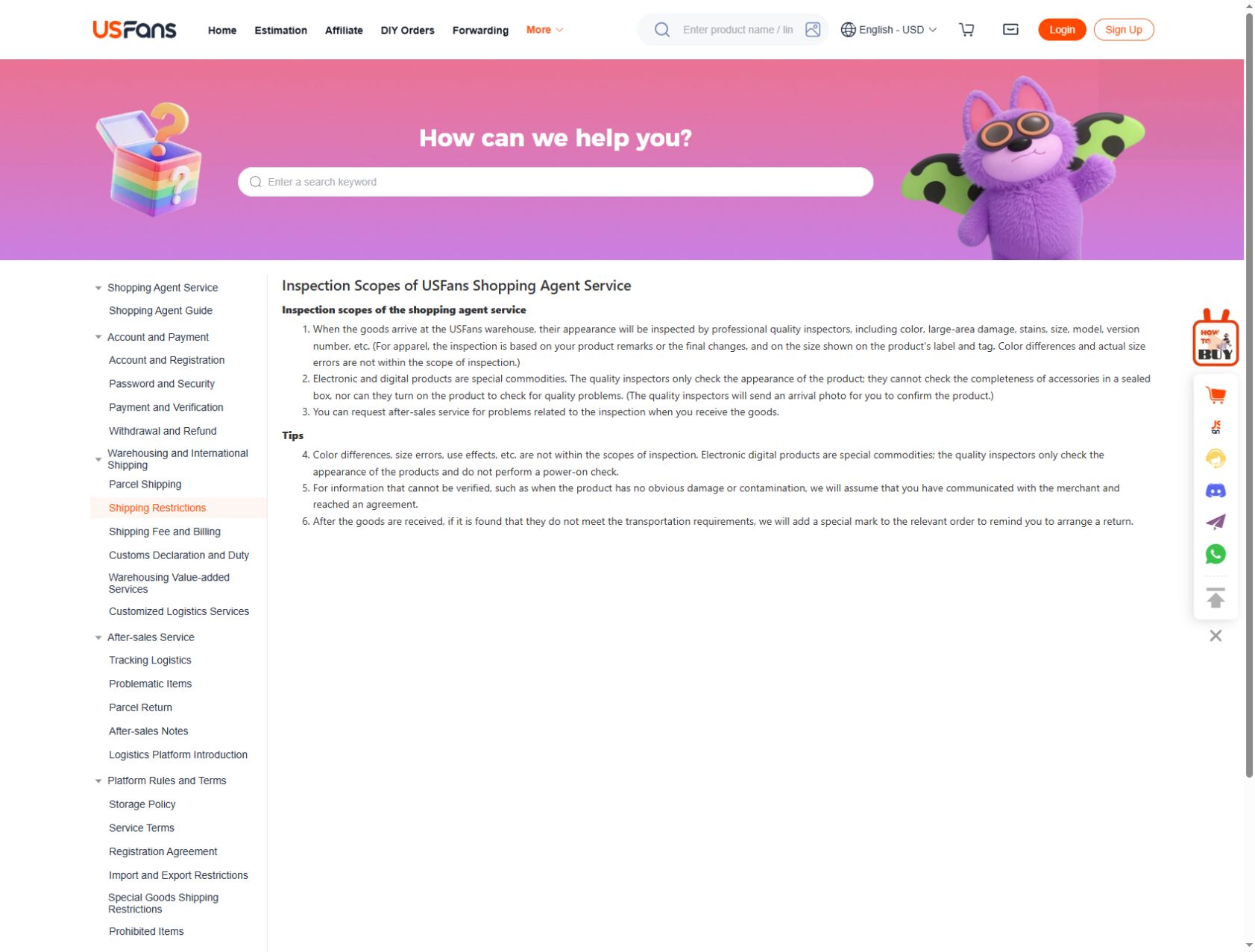
When warehouse information becomes available, connect it to the correct order and option. With several similar garments, colour and appearance alone may not be enough to distinguish them. Use the corresponding item reference and examine what each image actually shows.
Separate a visible mismatch from a question the image cannot answer. A label or photographed feature may help compare the received item with the selection. It does not establish every aspect of fit, durability or function. The QC photo guide covers this review in more detail.
If you want clarification or a change, identify the specific problem before moving ahead with the parcel. Check the current handling options and applicable conditions; do not assume that waiting indefinitely preserves every option. The warehouse guide and returns guide address these decisions separately.
6. Plan the parcel using the items you will actually send
Your original shortlist may not be the final parcel. Some items may not have been purchased, may still be arriving or may no longer be part of your plan. Start the shipping comparison with the items you intend to send now.
Read the route conditions alongside the relevant weight, dimensions, destination and item restrictions. Compare alternatives on the same basis. A cheaper-looking figure for a different parcel or service does not establish a saving for yours.
Combining items can change a parcel's size and available choices; it is not automatically the cheapest arrangement. Likewise, removing packaging should be considered alongside the protection the particular items need. Continue with the shipping guide before confirming the parcel choice.
7. Follow the parcel rather than the product row
After parcel submission, retain the parcel reference and tracking information separately from the original product link. These records answer different questions. Reopening the sweatshirt listing will not explain a transport update for the parcel containing it.
Read each tracking event in its own context and follow any destination-specific handoff information provided for that parcel. A delivery estimate is not an appointment. If an update needs clarification, provide the parcel reference privately and explain the last visible event. See the tracking guide for that stage.
A compact order plan
Before moving to the next stage, ask one question:
- Choice: have I identified the item and option I actually want?
- Purchase: does the request match that choice, and do I understand this payment?
- Warehouse: have I reviewed the relevant received-item information?
- Parcel: am I comparing services for the items and destination I will use?
- Delivery: am I following the parcel record rather than a product page?
Can I order directly from this guide?
The product buttons open OG listings for browsing. They do not submit a purchase request, make a payment or access your USFans account.
Do I need to buy everything in my shortlist?
No. The shortlist is a comparison tool. Remove candidates that do not meet your needs before turning them into purchase requests.
Does another buyer's successful order settle my choice?
It may offer context, but your option, destination and timing can differ. Read the review guide and safe-use guide without treating someone else's outcome as a guarantee for your transaction.